BizCop Theme Documentation
visit roninwp.comShortcode - Counter
- Log into your WordPress admin panel.
- Go to page what need add counter element.
- Click 'Add' icon in section what need add counter.
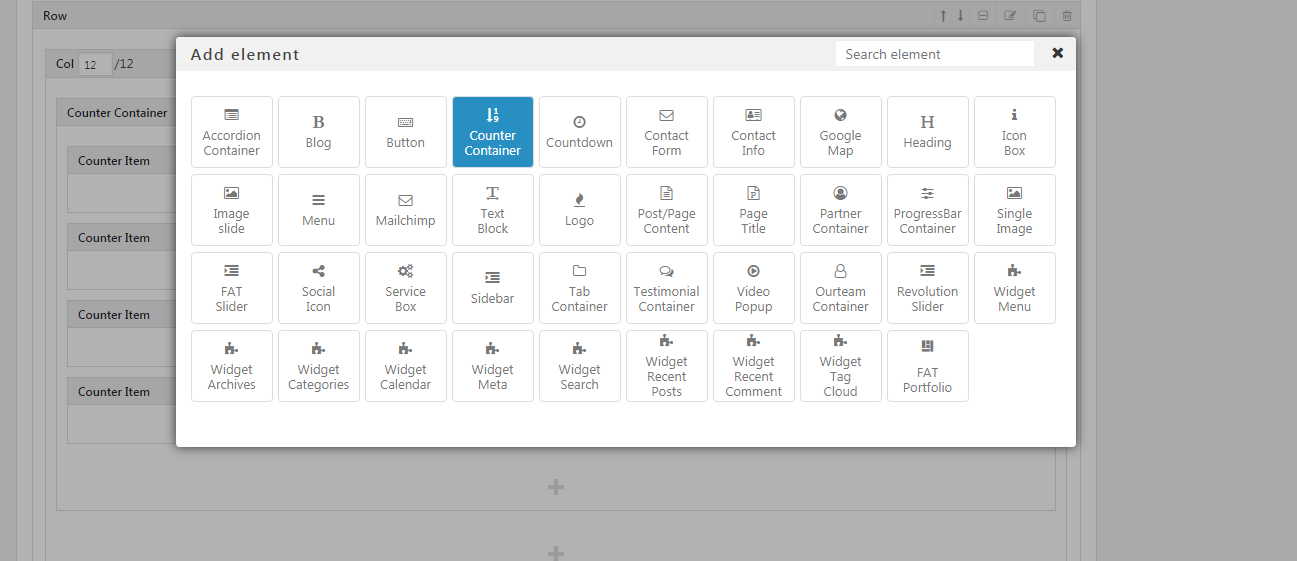
- Choose 'Counter Container' in popup shortcode
- Click 'Edit' icon to change counter container's parameter
- Click 'Add' icon in counter container to add counter item
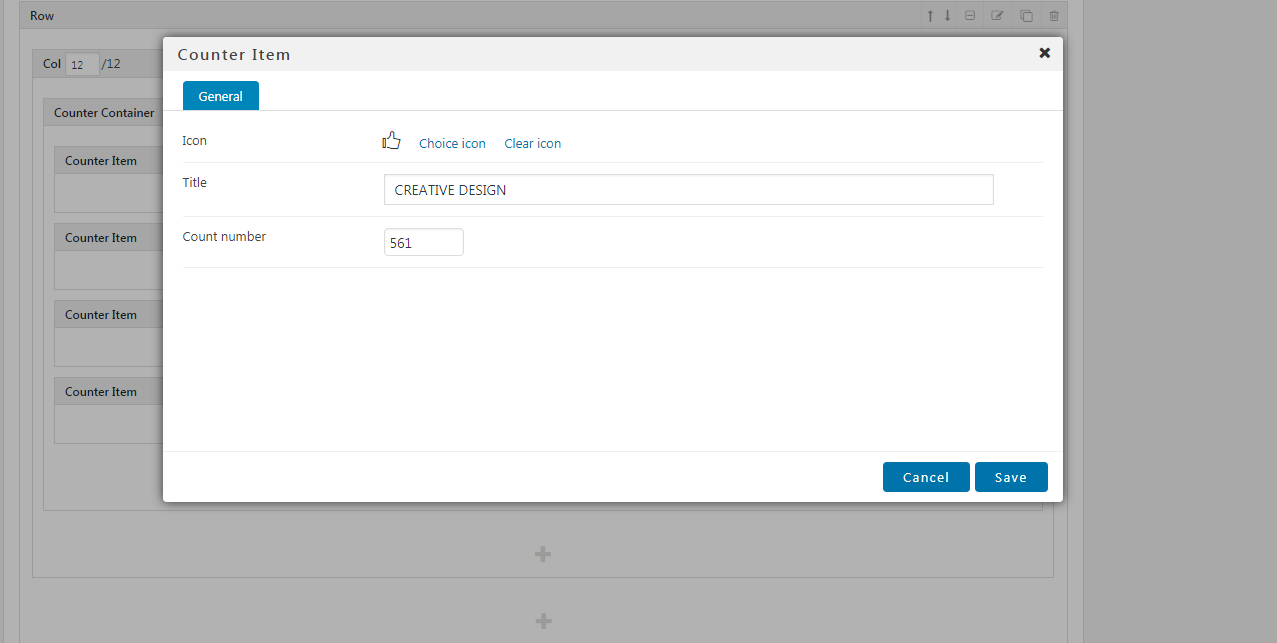
- Click 'Edit' icon on toolbar in counter item to choose icon, title and count number
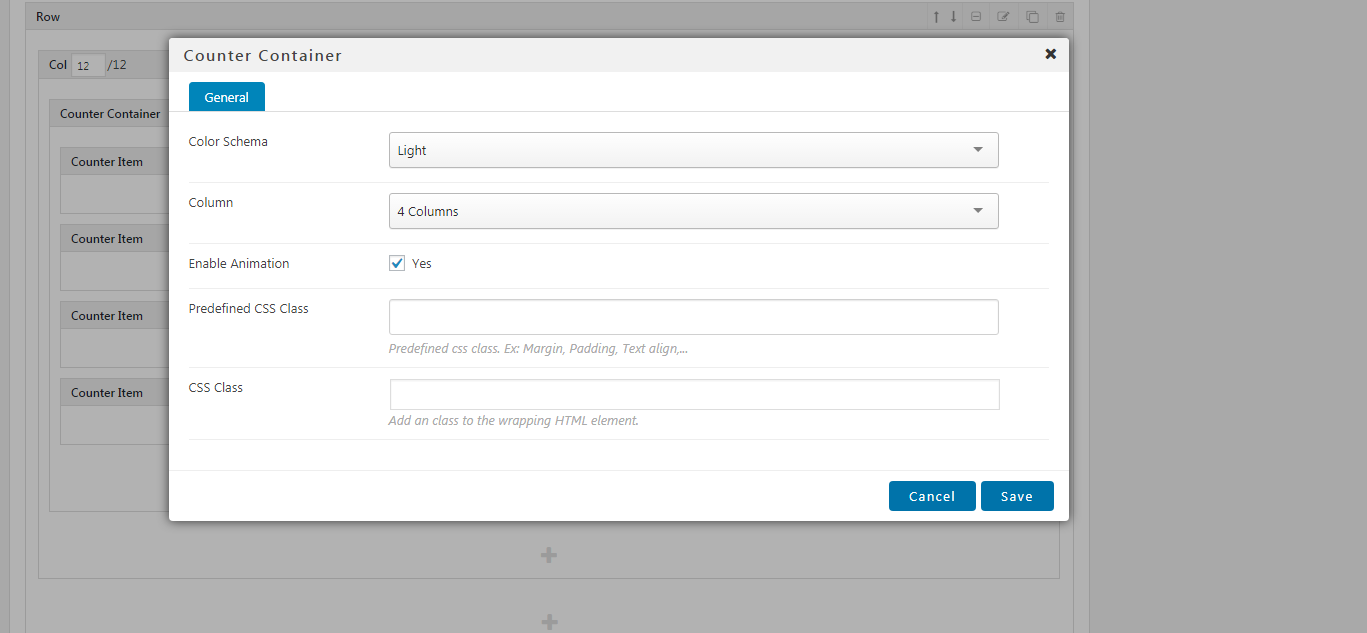
- Color Schema: It have two color schema. With dark schema: color of accordion is black. With light schema: color of accordion is white
- Column: The number of item what display on horizontal groups
- Enable Animation: This option turn on/off animation when scroll to this counter